I've been working in the applications team in the university for the past 2 years, as of writing. I work with the CRM, the data surrounding it in and out, and supporting users to be able to use it for the needs they have within the university.
Date: March 2022 - Continuing
Employer: Prifysgol Aberyswyth University
Job Title: CRM System Analyst/Developer
Breakdown
Created internal system integrations with Microsoft's Dynamics CRM through webcalls and API
Maintained data across both Oracle and Microsoft Server Databases
Worked across backend and frontend development to ensure the needs of the product are met.
Supported and accommodated front end users with using the CRM
Created and implemented Working Practices for scheduled scripts
Training non-technical staff with
Key Software/Languages
Dynamics 365 (Cloud)
Powershell
Oracle Apex Forms
Oracle SQL
MS SQL
JavaScript
HTML
Much of my work is about dealing with data. We use Oracle and Microsoft Databases, so I have to use a mix of Oracle and MS SQL in my day to day. For most of our data transfers, we process the data through Powershell as one might use Python or Bash. I write ETLs to transfer data between the different databases, using a bespoke in house ETL system.
I work with non technical staff, developing within the CRM for their needs and supporting them to use the CRM to the full potential. Much of this is specifically with the Dynamics Customer Insights – Journeys (formerly Marketing module) with our Marketing team to promote the university to applicants and potential applicants.
Apex Forms and CRM Marketing forms are used for outreach. I've worked on Validator processes for these so that we collect better data. Validating data at the point it's collected means that it can be corrected. The validator processes use an internal webrequest process, which means we can use them from SQL, JavaScript and Powershell as we need, allowing easier maintenance of code.
Kwalee LTD
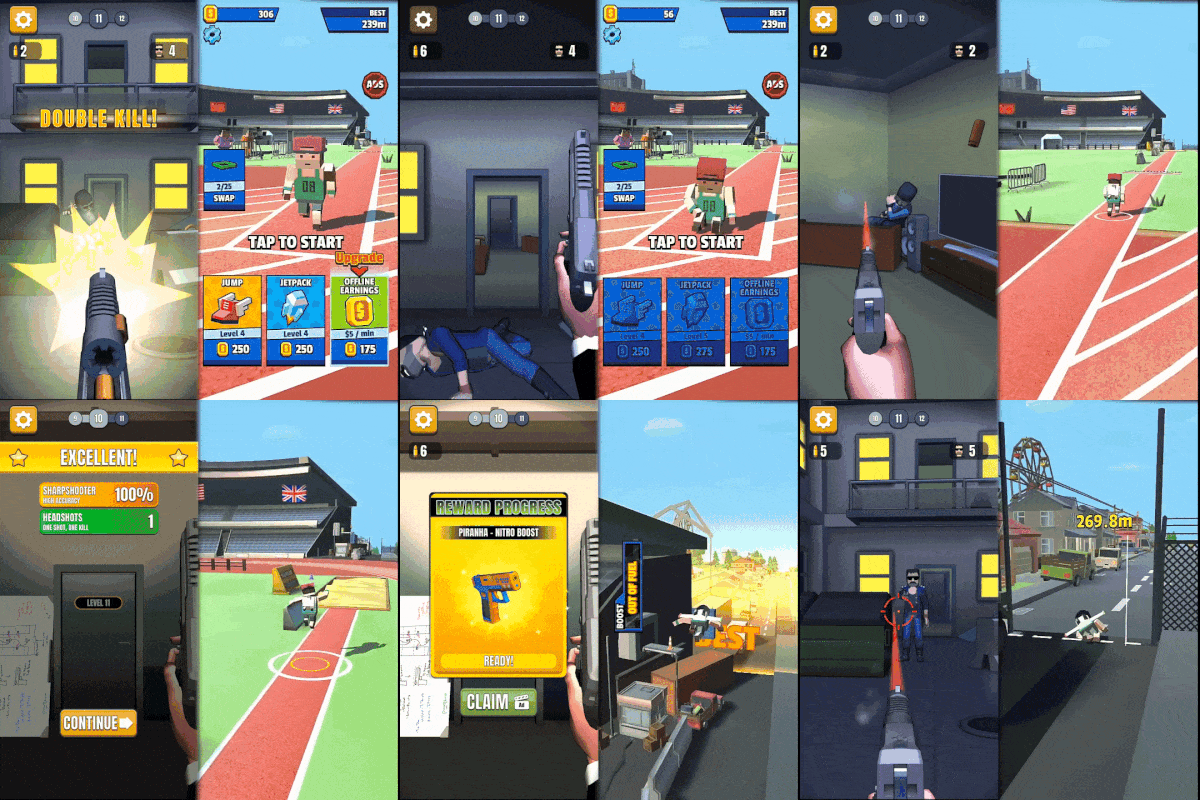
I used to work at Kwalee split between the Tools team and the Publishing team. Kwalee is a hypercasual games company founded by Codemasters Co-Founder David Darling. Between iOS and Android, Kwalee apps total over a billion downloads.
Date: November 2020 - March 2022
Employer: Kwalee LTD
Job Title: Junior Games Programmer (Tools)
Breakdown
Worked primarily on and with Publishing Titles and Developers
Maintained existing catalogue of games and titles
Implemented and supported use of bespoke SDK
Worked closely with QA to fix highlighted issues
Maintained the processes used to compile game builds
Implemented new features to games with millions of downloads each
Key Software/Languages
Unity
C#
Bash
Python
Jenkins
Firebase
My job, as I was split between the tools and publishing teams, my role was split. In my publishing side, I supported the external games that we published. This meant liaising with external developers throughout the lifespan of the game, from how to implement our bespoke SDK, to answering technical queries they had, and helping fix bugs highlighted by QA. Towards the end of a games life, the bug fixing would be taken over by us in house.
In the tools side, there was a lot of maintaining old games, investigating new technologies, maintaining the build servers and working on the submodules we used in games. Our SDK was a form of these submodules that we compiled to obfuscate the code. The submodules enabled the company to have such a rapid turn around on the games created, which is the backbone of Kwalee's success.
Working in a games company was a unique experience. It was a rapid, agile environment, and I had a lot of fun and learnt a lot about structures. If the situation presents itself, I would be interested in working in the games industry again. I think it would be interesting to take what I've learnt since and apply it back.
The Beast Mythos
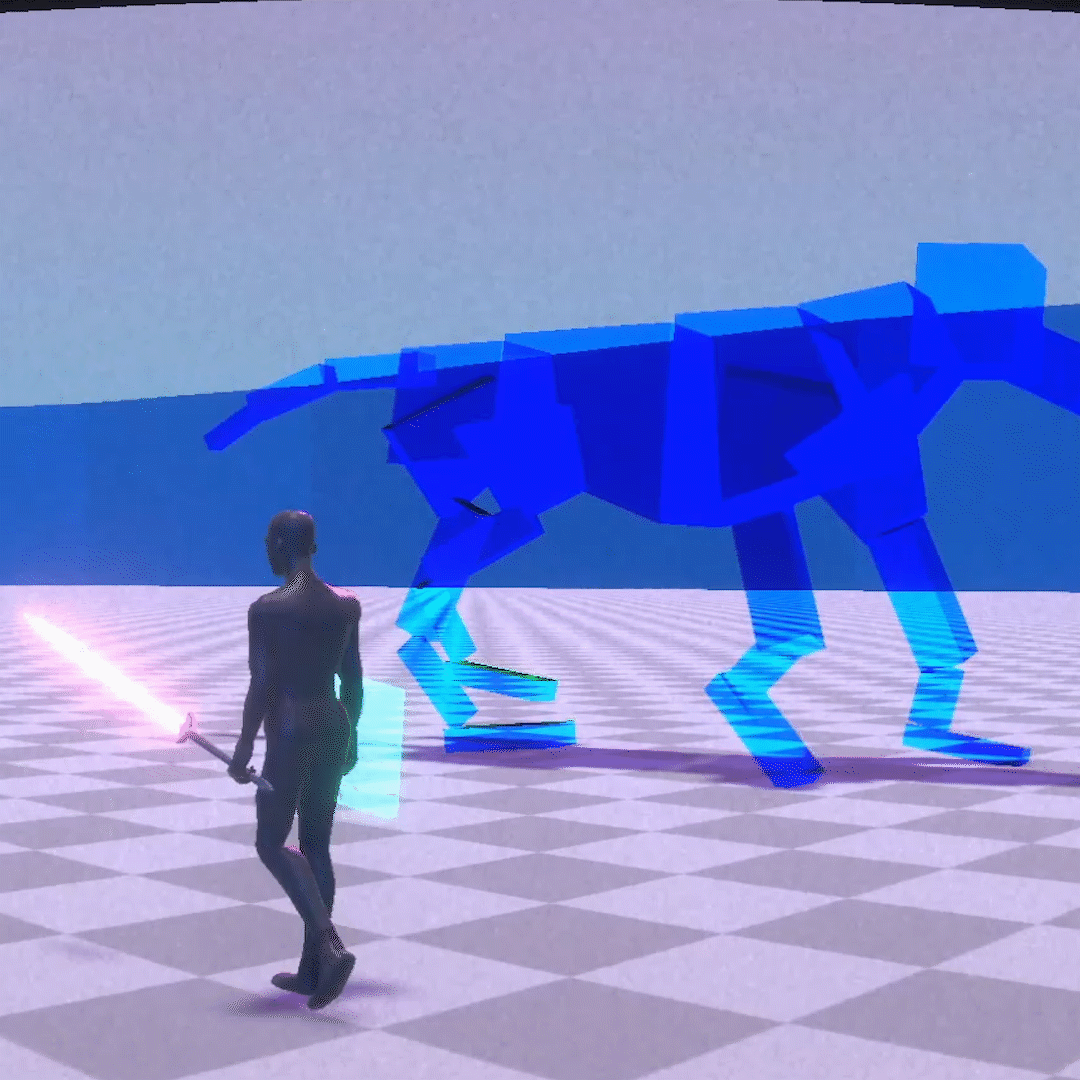
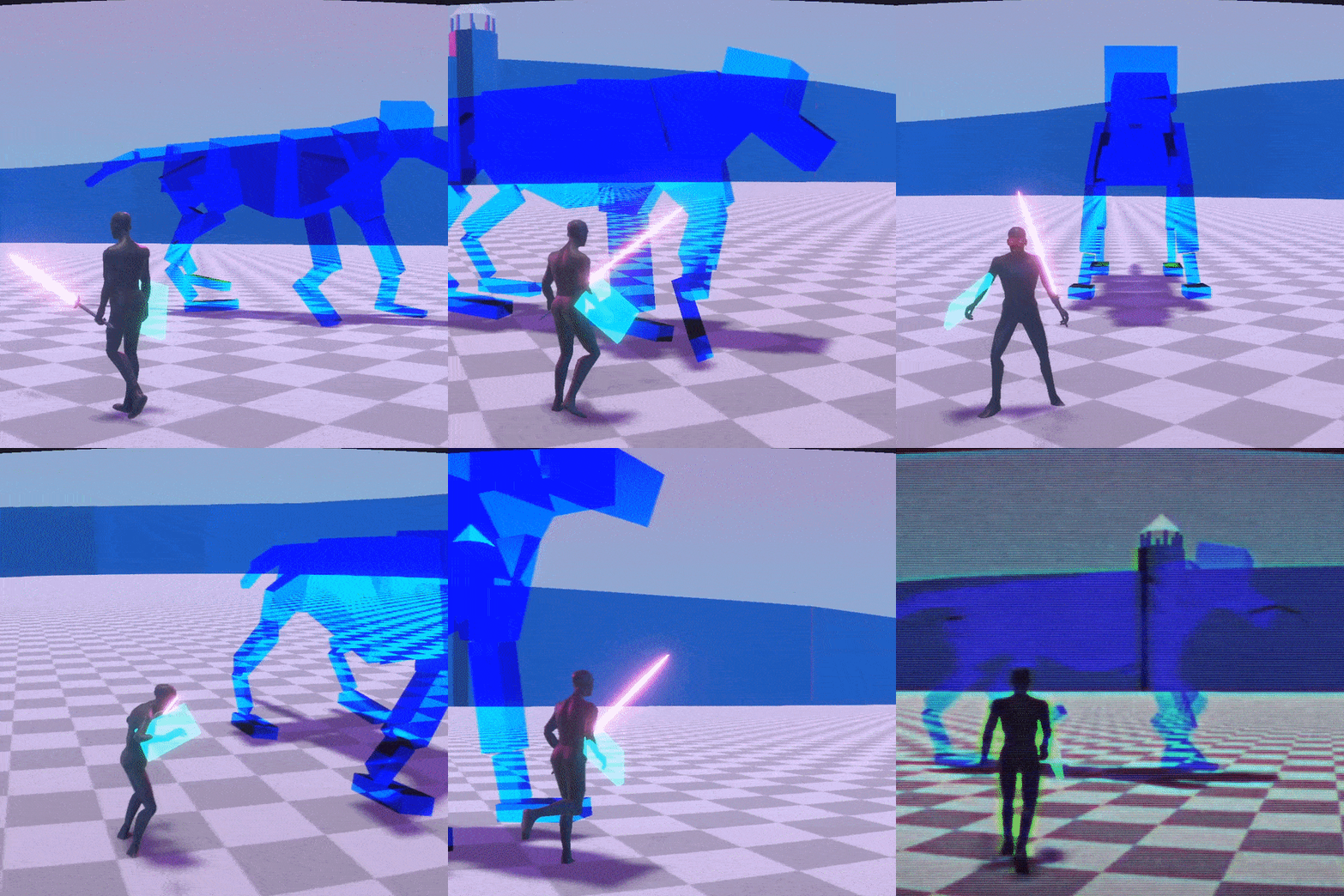
The Beast Mythos is a game that I am working on in a team over my third year. It's a Dark Souls/Monster Hunter inspired game with a heavy focus on fighting in dangerous situations. We utilise GOAP to give the creature's an intense reactive move set, and we craft the environment to interact with the beast and present additional complexities in the fight.
Date: Sept 2019 - May 2020
Client: Univeristy Project
Role: Lead Programmer
Responsibilities
Lead Programmer
General Gameplay Programmer
Camera and Player Controller
World Streaming
Player Feedback
Challenges
Controls have to be extremely tight and responsive in the Genre
Controls have to work on PC and on Controller, with Controller first
Managing the Programmers
Working with Agile Methodologies with Sprints.
This game is a third person action RPG game in a fantasy setting.
It takes inspiration from Dark Souls and Monster Hunter, following similar designs with large monsters to fight along with a strategic moveset to fight them with.
We are a 6 man team, with an even split of programmers and artists, each having a specialisation within our roles. My specialisation is gameplay and player facing systems.
As Lead Programmer on the project, I've spent a lot of my time managing and designing aspects of the game.
The bulk of my programming on the game has been based around player facing aspects, such as the player controller, the feedback handler and the combo system.
These aspects of the game are vital to get right.
Player Feedback
The player feedback was an interesting bit of the project, and something I'd like to highlight. The aim of the system was for any other systems to be able to access it,
not just combat. The script consists of three major components, the vibration of the controller, the shaking of the camera and the knockback on the player. Keeping these systems
together makes sense due to the similar nature of their executions and their purposes within the game.
The first challenge was controller vibration. This isn't supported in Unity by default, and not even with the new Input Manager. Apparently it's a feature that's been on the
"coming soon" list for a while, but hasn't materialised yet. I looked for a solution, but best I could find was suggestions of just buying a package from the store to do it.
It would've been simple, but it would've been an extra expense and not really taught me anything. I managed to find a reference to an old open source package called
"XInputDotNetPure" which gave support to XInput in Unity. Two issues arose though, number one the package was from Unity 2017, and we were on Unity 2019, and it only supported
360 Controllers from what we tested. But I tried it, and the setup was very simple.
It takes three parameters, the controller, the left vibrate and the right vibrate. Pretty simple, but limiting. As it was the best solution I was going to get, I ignored
the issue of only supporting 360 controllers, and remarkably it was working well with Unity 2019, bar one little detail. Exiting play mode would crash Unity. I wish I could
claim some masterfull debugging for this, but I just went to the settings, had a look at what stood out and changed the CPU mode and it stopped happening. The next problem was
that the only way to stop it vibrating, was to set the vibes to 0. So I built a function to control this a lot more precisely.
Essentially, this takes the left, the right, as before, but also takes a time and a bool for whether it diminishes. I used a simple system to create a timer, getting
the timeSinceLevelLoad, adding the duration to that, and then evaulating whether the timeSinceLevelLoad is greater than the when the timer started + duration. Very
rudimentary but it gets the job done. This is essentially a section that sets everything up, and it assess it on update.
So as mentioned, it will assess the timer, and return the vibration to nill if nothing is happening. Then it checks if it's diminishing, and if so will remap the
vibration amount from where the vibration started at to 0. This means that it will linearly decrease across the defined duration. This is good for a sudden hit being
quick snappy vibration, whilst a longer hit, such as a burning attack, would be a longer more drawn out vibration. This degree of customizabilty is fairly simple to look at,
but is absoulutely needed whilst working on the game. Giving attacks different vibrations allows the player to haptically tell the difference between them, which is an
often underrated aspect of feedback.
The Project is only in the greybox stage, and development is still active.
For me, it's a chance to learn new skills such as with the High Definition Render Pipeline.
It's unusual to work on a project so long in a university setting. This allows us to work closer to an industry standard, utilising things such as programming tools for our own uses.
About Me
Intro
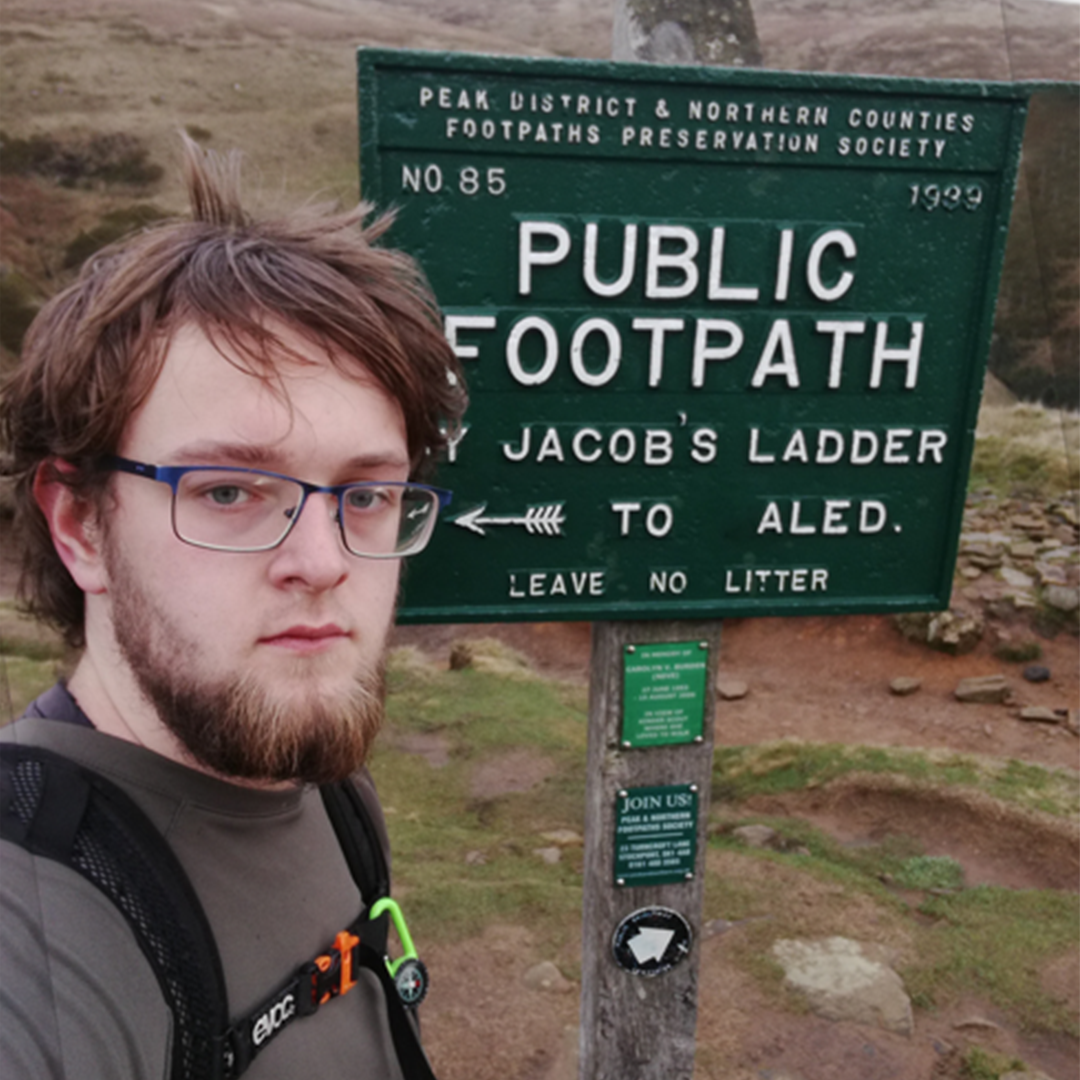
I'm Aled, and I've been working on Games for the last 3 years. I started programming when I was 14, with a computer with no internet access learning from a book. At 16 I went to college, and got a Certificate in Computer Science. I moved onto University of Salford, where I currently am Studying Games Design and Development in my third year.
Skills
A wide array of programming languages including C#, C++, Python, PHP, Java and more.
A creative approach to problems, with a knack of thinking outside the box.
Punctual, delivering content to important Deadlines
Well versed with teamworking, having lead and been a part of teams using Agile Methodologies with Sprints.
A strong background in general computer science, allowing me to be versatile and learn quickly.
A passion for Games, Design and achieving and understanding of the Player's experience.
Software
I'm well versed in Unity, both 2D and 3D, including Unity Collab
I have strong experience in Photoshop, working primarily with image manipulation, but occasionally fabrication .
I've used both Adobe InDesign and Illustrator for some pitch work.
I have mild experience with Video Editing software, including Adobe AfterEffects, PremierPro and Sony MovieStudio
I have various experiences with different IDEs, but generally I'm quick to adapt to a new one.
I'm experienced with using Git for version control on products, and understand it's importance.
Hobbies
Model Painting
I enjoy hiking a lot, and getting outside into nature.
Cycling is a lot of fun. I used to do a lot of mountain biking, but the lack of mountains nearby really put a dampner on that.
I play games, but both tabletop games and digital.
Le Grand Detective de Souris
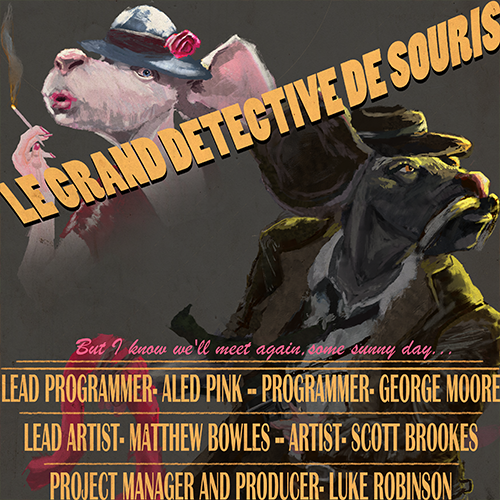
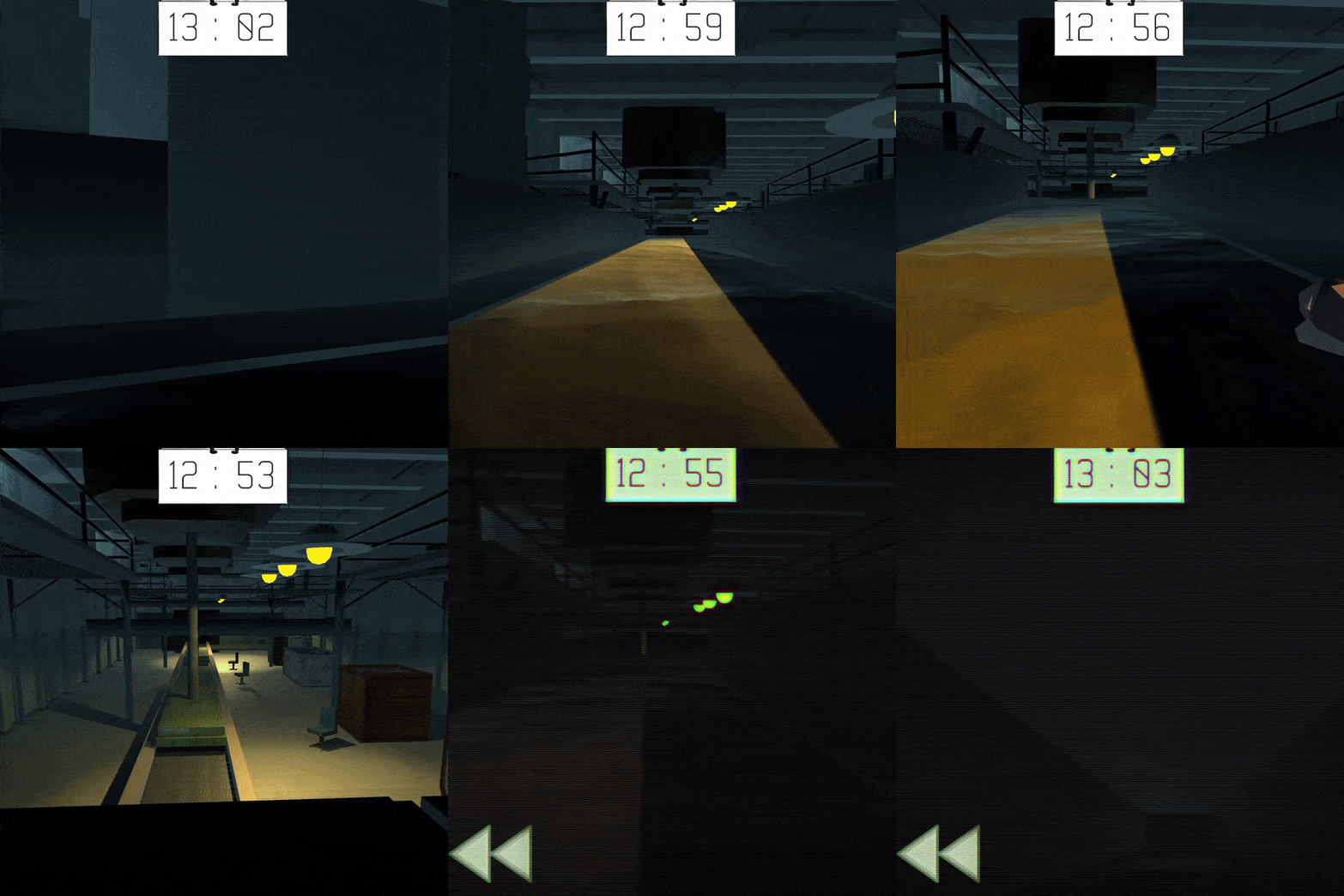
Le Grand Detective De Souris was one my favourite projects to work on. The concept was essentially a Noir Parkour Game, where the player had to solve a mystery. We wanted to parody the genre by playing everything as straight as possible, except you are a mouse named Big Cheese. Big Cheese Is a retired detective who is called in for one final case. It turned out that his missing-presumed-dead wife was behind this all along, threatening to blow up the cheese factory.
Date: Oct 2018 - Dec 2019
Client: Univeristy Project
Role: Lead Programmer
Responsibilities
Lead Programmer
Animation Programmer
General QA
Sound
Obstacles
Challenges
Brief stated not to use Unity's Animator
Made the questionable decision to program my own animator
Project Manager went AWOL before completion
In terms of gameplay we wanted something similar to Mirror's Edge, fast paced parkour, but we specifically wanted to have divergent routes. Level design was tough on with this game, being our first game that really relied on it. A big thing about this game was that as a restraint from our lecturers we were not allowed to use animated 3D Models with Unity's animator. My part of the project consisted primarily with creating an animation system for the player's arms. Whilst this may seem like reinventing the wheel, it taught me a lot about animation, and even though I wasn't using it, Unity's animator.
In addition, I worked a lot on bug fixes, QA and gameplay here and there in the project. I also had my first experience with sound implementation. I used FMOD for this and the entire process was new to me. It was a lot of fun to implement these sounds and really helped bring the game to life. Due to some a member of the team dropping out part way through, I ended up doing the voice acting for all three characters. This resulted in hurried attempts to learn a French accent which to this day is not very good.
Overall the project was a lot of fun and I had a lot of fun working on it. It's very rough around the edges in places but was really a labour of love and it's to be expected in an ambitious early university project. Big Cheese's story got expanded upon by the rest of the group in another project while I was on industry placement, but I still managed to get time in to voice Big Cheese.
TimeTravelTennis
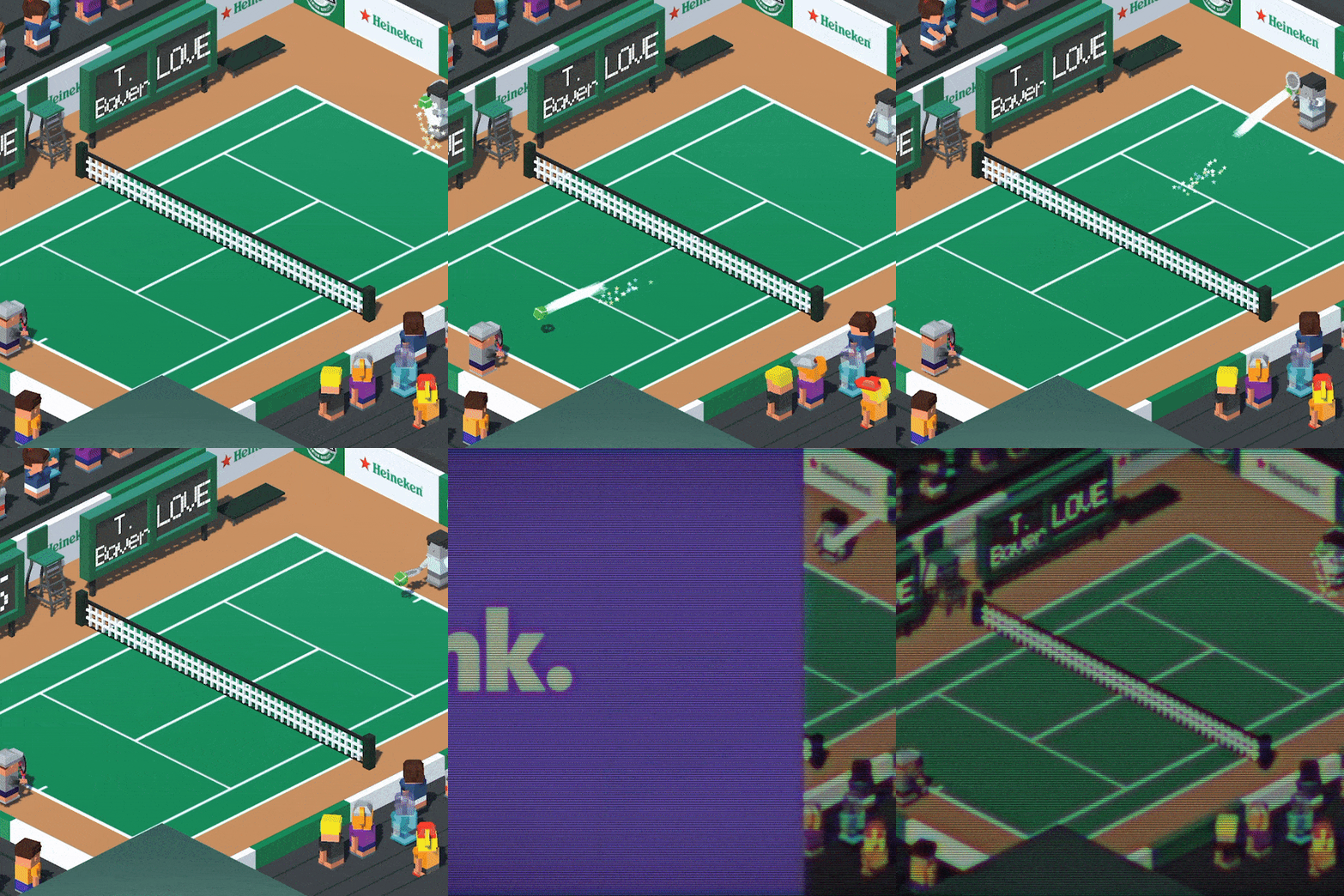
Time Travel Tennis was a game I made whilst working at Trunk. It was a Mobile Game for Adroid and IOS. For the first few months of development, I worked in a 2 man development team, one artist one programmer, with others coming in here and there to support the project and guide it's direction.
Date: Feb 2019 - Jul 2019
Client: Industry Placement
Role: Gameplay Programmer
Responsibilities
Lead Programmer
Documentation
General QA
Collaborated on Design
Challenges
Two Man Development Team
First Time Working on Mobile
Shifting Scope
Being my first Mobile title, I learnt a lot on it about mobile development, but I also learnt a lot about working in a full studio enviroment. My University course, whilst it does it's best to emulate a studio enviroment will never capture the full experience.
My role consisted mostly of UI/UX programming, gameplay design and programming, and some minor writing. Working with closely with Josh Pearson was a great experience, his talent and adaptability really allowing us to work very effectively as a two man team.
I can't say too much about the game itself as it is still under active development. In terms of my approach to programming, it was really a turning point. Everything before had been for learning or for marks. I really enjoyed the time I spent working on it, and I'm looking forward for when it gets released.
AledRTS
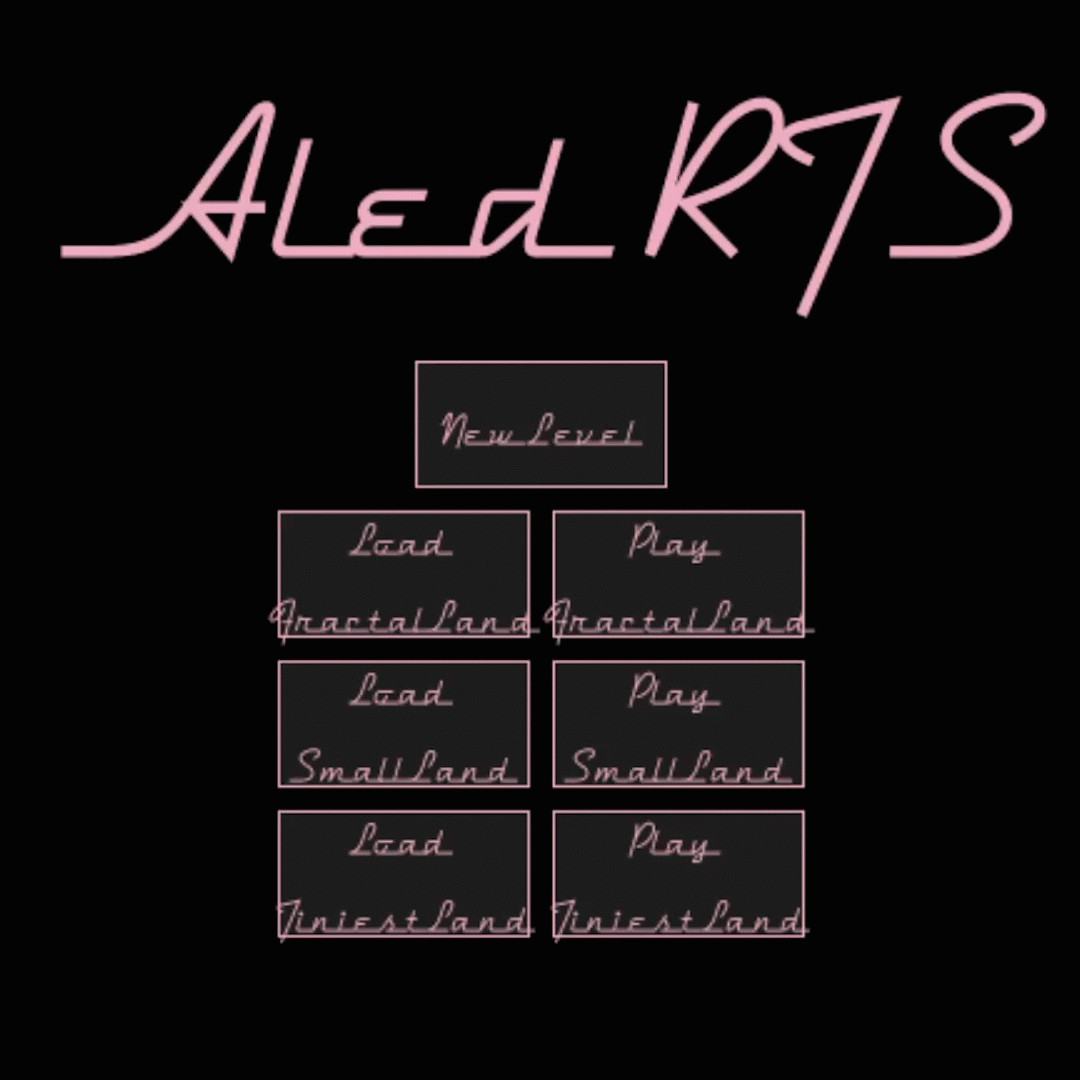
For one of my modules, I worked on a rudimentary game's engine. It worked as a process for me to properly learn Object Orientated Programming. It was all built from the ground up in Processing, a graphical library for Java. Despite being a graphical library, it is still very rudimentary, with things like moving screens not being built it.
Date: October 2018 - January 2019
Client: Univeristy Project
Role: Sole Programmer
Responsibilities
Everything
Challenges
Seperating Axis Theory
Storing Level Data in JSON
Creating A* Pathfinding from Scratch
Over the course of the project I worked with many complexities and used the process of working on one project that didn't matter to learn my way around it, then moving onto this project when I knew what I was doing so as to not make spaghetti code. Particular complexities I encountered were Separating Axis Theory and A* Pathfinding.
Separating Axis Theory is about detecting the collision of polygons. I simplified it for myself by limiting it to triangles, as concave polygons require a more complex algorithm. Essentially it checks the projections from the perpendicular of the lines of the shapes against each other, and if all projections overlap, then they collide, and if they don't overlap then they aren't colliding.
A* Pathfinding is a method of pathfinding that breaks down the world into a grid, and assigns each piece of the grid a cost, with the cost becoming more the further from the origin it is, but cheaper the closer to the end it is, making the shortest path to the end the cheapest. A couple of problems involved processing times and separating the world into grids. Ideally, I would have spent more time optimising this system, as if a path cannot be found it takes a while to realise, and this can stop the game.
There are extra bits and pieces I worked on in this process, such as persistent data through JSON Files. There's also sprite integration and a very basic opponent. Whilst technically a game, it mostly plays itself. Strategy falls down to taking the ones closer to the opponent first. Level Customisation doesn't have a sanity check, which was a shame. It was an ambitious scope, and I'm proud of the result I made.
Fencing
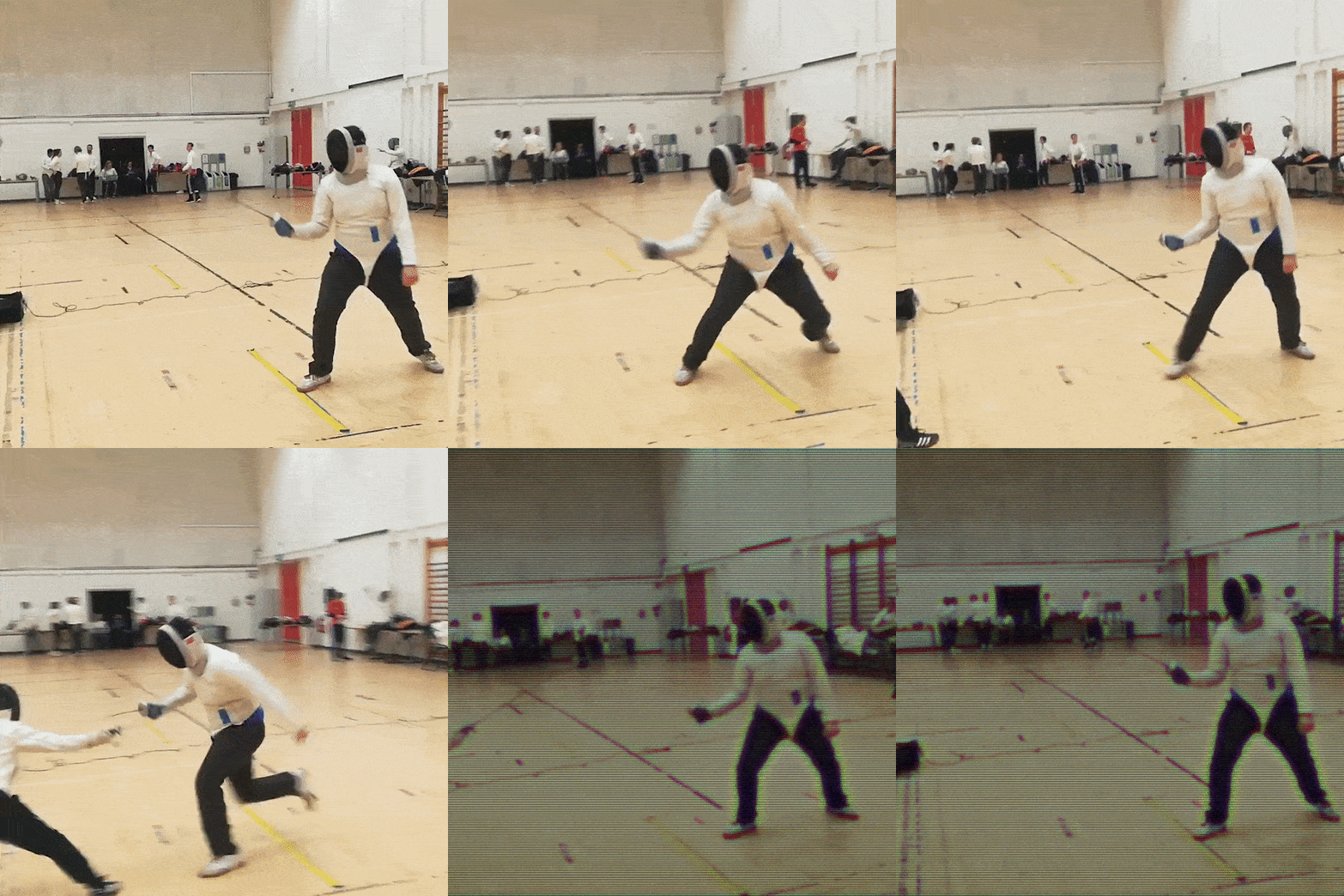
Fencing is a big hobby of mine, I've been fencing Foil since 2015. I don't fence competitively, though I have been to a few competitions. I really enjoy it, focussing on having fun in the match than necessarily going for winning. It's an interesting sport, with a diverse range of people interested in it.
In 2018/2019, I was voted in as secretary of my University Fencing Club, second to the chairman. I worked with the chairman and the committee to promote fencing throughout the year. In the next academic year, 2019/2020, I became the Chairman, managed the club with my committee. I really enjoyed these experiences, as I had the opportunity to promote fencing to so many more people.
In addition, I got my Level 1 Foil Teaching qualification in 2018, which allowed me to teach students how to fence foil. I find teaching fencing really fulfilling, and I'm always filled with a sense of pride when my students do well.